Lenovo Yoga 7 2-in-1 with OLED: Review and Should You Buy
The Lenovo Yoga 7 2-in-1 is bought for the display, not the processor. The OLED HDR500 with true blacks really is spectacular here; the 360° hinge works smoothly, and as a work tool for text, browser, and Zoom, it's nearly ideal. But this isn't a gaming or editing laptop, and you do pay for the display in both money and battery life.
There's a category of laptops bought "just in case it's powerful enough"—prepare for overkill you won't need. Then there are those you buy for one specific reason. Yoga 7 2-in-1 is clearly the second type. You're paying for the display here, and if the display doesn't matter to you, honestly, this machine isn't necessary. Full stop.
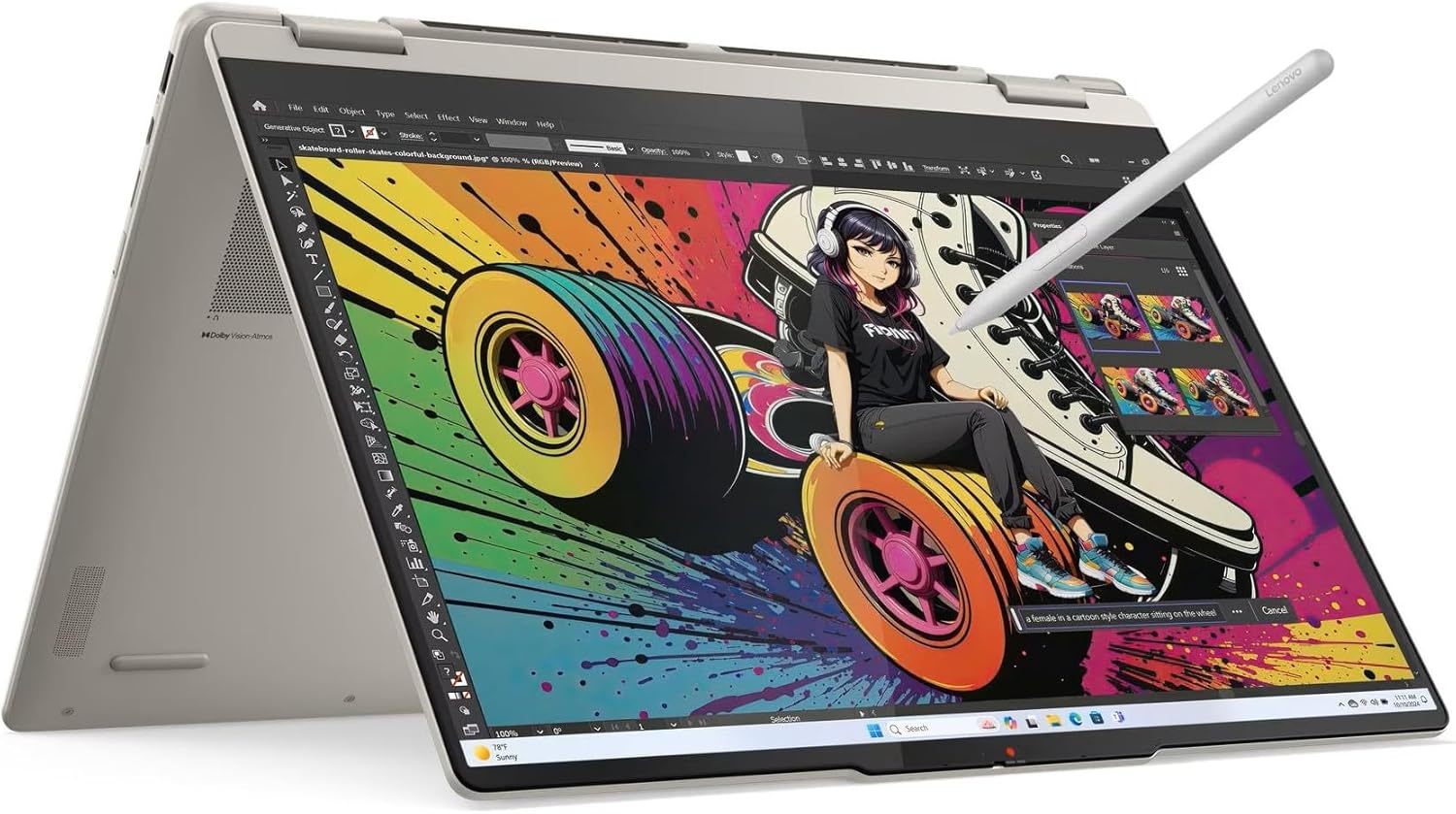
I tested this model for nearly two weeks—wrote texts, binged series on a plane, plugged into an external monitor for work at home, even tried stylus sketching (not in the box, but supported). First impression, unchanged the whole time: when you flip the lid and that workspace materializes, you catch your breath for a second. Black is genuinely black, not dark gray like most IPS panels in this price slot. HDR500 with 100% DCI-P3 is already top-tier stuff—usually the privilege of MacBooks and premium Dell XPS machines.
How That Translates Practically
Watch a Netflix trailer or series evening—compared to your old laptop (I had plain IPS Full HD), the jump is stark enough that my wife, who normally ignores this stuff, asked if I'd bought a new TV. Colors aren't "hyped for marketing"; they're accurate—a photographer or designer working on color at home for minor tweaks gets real value, not just a pretty picture in an ad. That's already a meaningful difference from "sounds nice in the spec sheet."
The 360° hinge and touchscreen—everyone writes about these, but few are honest: tablet mode I used rarely, mainly lying in bed reading or showing family photos across the table. The "tent" mode, though—propping the device triangular on the desk to watch a movie or web conference without the keyboard sticking out—that surprised me with usefulness, especially in hotel rooms where desk space is tight.
Copilot+ as a standalone feature: more about the future than the present. The NPU is there, Windows 11 throws Recall and other AI gimmicks at you, but honestly—in one day of use, this affects almost nothing. If you're buying for "AI in your laptop," that's not the reason to overpay right now. For the display and autonomy, absolutely.
Where the Compromises Hit
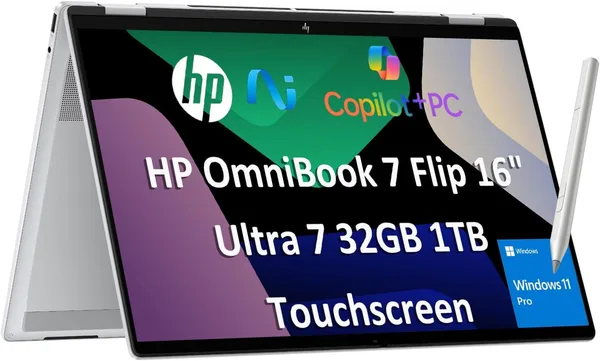
Autonomy—OLED takes its revenge. HDR panels guzzle battery noticeably faster than standard IPS, and on maximum brightness with HDR active all day, the machine begs for an outlet by evening. In normal office mode—word processors, browser with ten tabs, brightness at 60%—it makes a full workday comfortably. But if you're comparing honestly with non-OLED competitors like the HP OmniBook 7 Flip, those will hold longer simply because the panel is less power-hungry.
Second thing: this isn't a machine for rendering video or heavy gaming. Integrated graphics handle short Instagram reels editing, but for serious video work, you need something else. And that's fine—just be aware what you're getting into.
The keyboard is solid, key travel feels comfortable for long typing, trackpad is spacious and accurate—no surprises here, Lenovo's consistency at work. But pick the Lenovo Yoga 7 2-in-1 consciously, understanding exactly what you're paying for: the display, not the chip speed.
Who Should Buy and Who Shouldn't
Get it if: you work with color or photos even amateurishly, you love binge-watching on your laptop during trips, you value the flexibility of the transformer form and are ready to pay for it. This is for someone spending many hours at the screen and wants that time visually pleasant.
Skip it if: your priority is maximum performance dollar-for-dollar for heavy tasks—look elsewhere; or if you need all-day remote work without thinking about charging—here, battery life demands attention. Then look toward non-OLED models—another OLED-panel competitor, the Acer Aspire 14 AI OLED, is worth comparing on price if the 2-in-1 transformer form factor isn't a must for you.
Base price on the marketplace hovers near $1199, and when importing to your country, remember to count shipping and duty upfront; don't be shocked at checkout.
FAQ
Preguntas frecuentes
Honestly, no—not for pure Excel and documents. The gap shows if you watch video, work with photos, or dislike that gray "black" on standard screens. If you never noticed screen color before, maybe OLED isn't your answer; grab IPS and save money.
HP Spectre looks and feels more premium, but Yoga 7 gives comparable or better display for less money. If brand prestige matters, HP; if pragmatism wins—Yoga is smarter.
Short clips at 1-2 minutes in DaVinci Resolve or Premiere on light settings: yes, it'll manage, though not instantly. Regular 4K heavy editing or effects-heavy work: no, integrated graphics can't. Look for separate GPU then.
Less often than you think upon purchase. Really useful for reading in bed or showing something to someone across a table. Don't expect it to replace a separate tablet for drawing or daily note-taking; the weight says otherwise.