Microsoft Surface Pro (2024) Review: Is the Snapdragon Switch Worth It?
The 2024 Surface Pro on Snapdragon X Plus is a remarkably quiet, cool, and enduring tablet-laptop hybrid. It handles office tasks, browser tabs by the dozen, and light photo editing with ease. However, if your workflow relies on heavy x86 software—think niche CAD programs, specific games, or legacy enterprise apps—you need to weigh that trade-off carefully. For most people wanting a lightweight "laptop by day, tablet by night" hybrid, it's a solid buy.
Picture this: you're on a long-haul flight, laptop balanced on your knees, while the person next to you is constantly bumping your elbow because your device won't fold into anything more compact than a 35 x 25 cm rectangle. Microsoft solved this scenario back in 2012, and over the years, they've refined the "tablet pretending to be a laptop" formula until it actually works, rather than just looking good in a keynote.
What is this thing, really?
This Surface Pro 2024 isn't the same one you've seen for years running Intel. This one packs the Snapdragon X Plus, a 10-core ARM processor, and it completely changes the device's personality. There is no fan—and I’m not saying that as a marketing gimmick, but as a lived reality: the device doesn't hum under load, it doesn't get hot on your lap, and the battery lasts all day without you hunting for a cafe outlet. If you're used to your laptop turning into a space heater by mid-afternoon, that problem is gone.
But let's be honest about the catch. Windows on ARM isn't the disaster it was in 2019, where half your apps simply wouldn't launch. Today, x86 emulation via Prism is quite impressive; Chrome, Office, Photoshop, and Zoom all run natively or near-natively. But if you rely on a specific piece of five-year-old corporate software written "on a whim" for a specific driver, check compatibility before you buy, not after. That is where most people trip up.
Real-world usability
The detachable magnetic keyboard is the Surface's signature move, and it remains better than most competitors in this niche. The keys have great travel without feeling mushy, and the trackpad is precise. Compared to an iPad Pro with a Magic Keyboard, the main difference is that you get full Windows, not iPadOS with its eternal limitations on file systems and multitasking. If you've ever tried to manage an Excel price list alongside a PowerPoint presentation on an iPad, you'll understand exactly what I mean.
The 13-inch touchscreen with stylus support is a genuine tool here, not just a checkbox. Designers sketching ideas in meetings, lawyers marking up PDFs by hand, or students taking handwritten notes—these scenarios work seamlessly here. In tablet mode, the weight and balance feel good; it's not comfortable to hold with one hand for long periods (no 13-inch tablet is), but for reading on the couch or watching a movie on a plane, it's perfect.
Where the Surface Pro loses to a traditional laptop is "lapability." The kickstand is great for a desk, but try using this on a bus or an armchair without an armrest, and you'll quickly realize it's a tablet with a kickstand, not a solid chassis with a hinge. If your work is mostly "on the go and on your lap," a standard Surface Laptop or a traditional clamshell laptop will be much more comfortable.
The competition
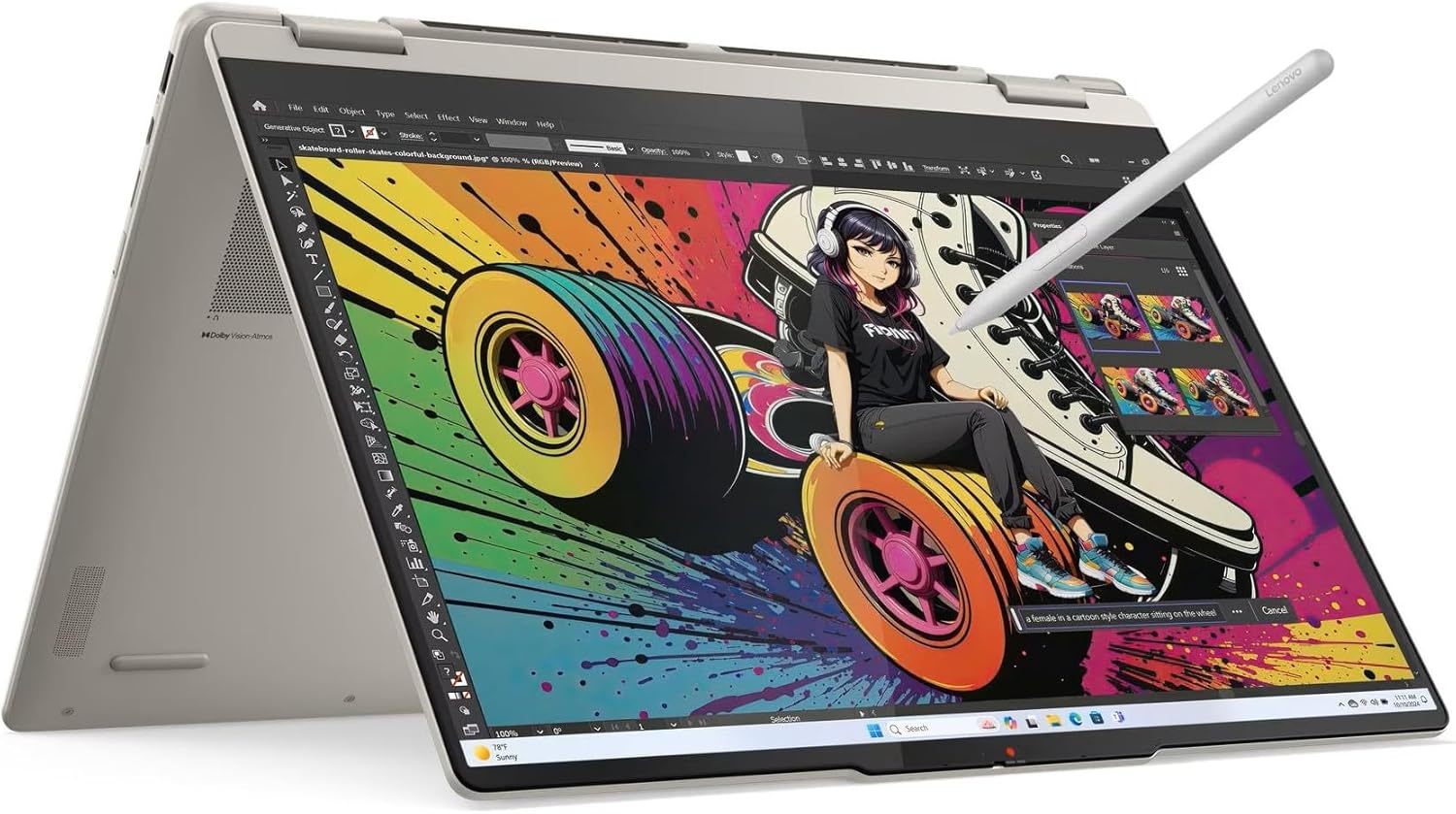
People often compare this Surface to the Lenovo Yoga 7 2-in-1, and the choice really comes down to priorities. The Yoga is heavier and uses a hinge instead of a detachable keyboard, but it features a full x86 AMD processor, meaning zero doubts about software compatibility. If your priority is versatility and zero software compromises, the Yoga is the safer bet. If you want lightness, silence, and a true tablet mode, the Surface wins.
Comparing it to the standard Surface Laptop of the same generation is simpler: same Snapdragon platform, same Copilot+, but no detachable keyboard and no stylus in the box. If you never need tablet mode, the Surface Laptop is cheaper and more convenient for daily use since it doesn't have a kickstand taking up precious space on a tiny cafe table.
Price and value
See the full landed price to your country on dede.sh. It's a significant investment, comparable to a high-end gaming laptop. Buy it with intention, not just because it looks sleek.
Who should buy it (and who should skip it)
Buy it if: You travel a lot, work mostly in browsers, office suites, and cloud tools, and you value weight and battery life over raw gigahertz. Buy it if you draw, take notes, or retouch photos with a stylus—it's a genuine tool here.
Skip it if: Your work depends on specific x86 software without verified ARM compatibility, or if you frequently work on your lap without a table—the detachable keyboard will frustrate you more than it helps.
שאלות נפוצות
If silence, coolness, and battery life are your priorities, yes, it's worth it. But if you have even one critical x86 app without verified compatibility, it's better to test a demo unit in-store than to rely on emulation promises.
The Yoga is better if you need full compatibility with any software and mostly work on your lap. The Surface wins on weight, silence, and having a true tablet mode with stylus support.
For Lightroom, basic Photoshop, and editing short clips in lightweight editors—yes, absolutely. For heavy 4K editing in Premiere, you're better off looking at laptops with dedicated graphics cards.
This is the most common Surface trap—the magnetic keyboard is often sold separately. Always check the specific listing before buying so you don't end up with a tablet and no way to type.
If you're still undecided on the form factor, check out the standard Surface Laptop from the same generation or the Lenovo Yoga 7 as an x86 alternative—both sit in the same price bracket.