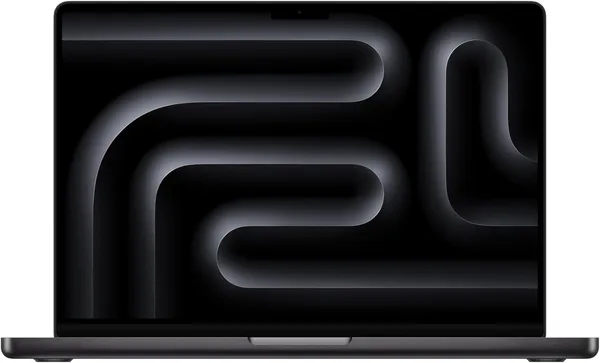
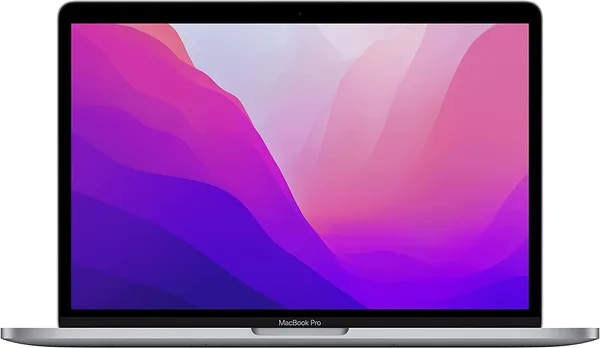
MacBook Pro M5 (2025) review: is it worth buying over the M4
The M5 MacBook Pro isn't a revolution — it's Apple quietly polishing something it already did well. If you're still on an M1 or an older Intel machine, upgrade without a second thought. If you're holding an M3 or M4, your money is probably better spent elsewhere. But that 14-inch Liquid Retina XDR screen and the battery life genuinely make day-to-day work more pleasant than on most Windows competitors in this price bracket.
I bought the new MacBook, turned it on, moved everything over from my old one with Migration Assistant — and spent the first thirty minutes just... wondering what had actually changed. That's probably the most honest reaction anyone can have to the M5. No "wow," no sense of holding something from the future. Just a laptop doing the same things as its predecessor, a bit faster and a bit quieter while doing them.
And that's really the whole story of this generation. Apple hasn't been trying to wow anyone for a few years now — it's been trying not to annoy anyone. The M5, with its 10-core CPU and 10-core GPU, is an evolutionary step: roughly 15-20% faster than the M4 in most real-world tasks, and about 30% faster than the M3 if you compare honestly rather than by Apple's marketing slides, which always draw the chart as if they'd just discovered cold fusion.
What it's actually good for
I ran Final Cut on it, a few Logic Pro projects with dozens of tracks, and kept about thirty Chrome tabs open the whole time — yes, bad habit, I know. The laptop shrugs all of it off without a hint of throttling or fan noise, and the base configuration doesn't even have fans — which feels like a small magic trick when you're rendering video in total silence. Next to a Lenovo Yoga 7i on Core Ultra — a genuine competitor in this segment that I've also tested — the MacBook wins on quietness and on the fact that the battery doesn't visibly drain during editing. The Lenovo has decent everyday battery life, but it sags much faster under real load.
The screen deserves its own paragraph, and I won't pretend to be objective here. The 14.2-inch Liquid Retina XDR is one of those rare specs that actually changes the experience rather than just looking good on a spec sheet. HDR content, editing photos in Lightroom, even reading long articles in the evening — the picture is dense and contrasty enough that after a couple of weeks you look at a regular IPS monitor and wince. That's not an exaggeration; it's a genuinely noticeable difference, and it's the reason plenty of people buy the Pro instead of the Air.
Battery life covers roughly a full workday with Slack, mail, a browser, and the occasional Figma session open. Not the 20 hours from the marketing claims, obviously, but not the "hunting for an outlet by 3pm" scenario either.
Where the disappointment starts
The biggest annoyance is the same one every recent MacBook has: two Thunderbolt ports in the base configuration and no USB-A in sight. If your peripherals date back to the dongle-free era, budget for a hub — that's extra money and one more thing to forget at home.
Second point, and this one's subjective: at this price, you expect more than "a bit faster than last year." If you're upgrading from an M3 Pro or even a base M4, the difference in everyday tasks — mail, browser, spreadsheets, Zoom — will be so small you won't actually feel it. This upgrade is for people bumping into a real performance ceiling: video editors, developers compiling large projects, musicians running heavy sessions. For everyone else, it's just a new model year.
Compared with an updated HP on a Core Ultra 7 155H — a direct alternative for anyone not tied to macOS — the Windows machine wins on price and port flexibility, but loses on battery life under load and on that same screen. It comes down to what you value more: the Apple ecosystem, or freedom to choose your hardware.
What it actually costs
This M5 MacBook Pro starts at $1716 for the base configuration — but the number that matters is the landed price: item, forwarding, and import duty combined for your own country. Check the full breakdown on dede.sh, because that total is what actually decides whether this laptop makes sense for you.
Who should buy it, and who shouldn't
Buy it if you edit professionally, develop software, or work with heavy graphics or music — and your current laptop is already visibly holding you back. Buy it if quiet operation under load and the best screen on the market matter to you.
Skip it if you already have an M3 or M4 and there's no specific task pushing against a real performance limit — this would just be money spent on a bigger number in the chip's name. Skip it if you rely on a lot of ports or regularly plug in older peripherals without adapters — you'll be reminded of that annoyance daily.
FAQ
Honestly — barely. Mail, browser, documents, Zoom all fly along at the same speed on both. The gap only shows up on heavy tasks: video rendering, code compilation, processing large RAW files. If your work is office tasks, upgrading from an M4 won't justify the price.
Depends on your software. If you're in Final Cut or Logic, the MacBook wins thanks to its Apple Silicon optimization and silent rendering. If you work in Premiere or DaVinci on heavy 4K/8K projects and need maximum speed for less money, a gaming laptop with an RTX card will often beat it on raw GPU performance, though it loses on battery life and heat.
For web development, mobile development, and most backend work — plenty. If you're compiling large C++ projects or running Android Studio with heavy emulators, look at the higher configurations with more cores and memory.
If you mostly read mail and browse the web — no, it's an overpay. But if you spend any time with photos, design, or video, or just like watching movies on your laptop, this screen is worth it — the difference from the rest of the market is obvious immediately.