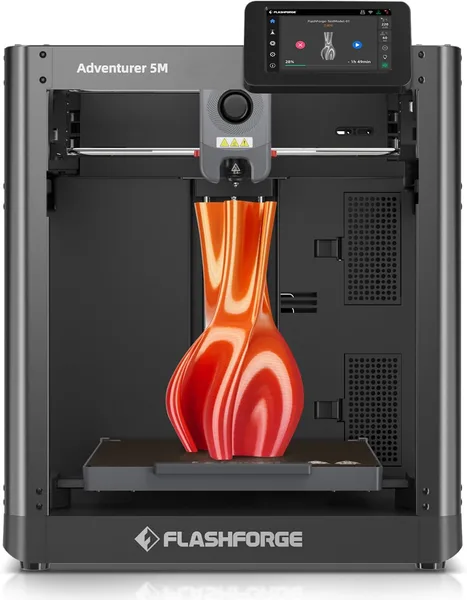
Flashforge AD5M review: one-click auto-calibration 3D printer
The Flashforge AD5M is for people who want to hit "print" and go make coffee, not spend an hour leveling a bed. Auto-calibration genuinely works, the 600mm/s speed is real on simple models, and it's one of the few enclosed CoreXY printers in its price bracket. The catch: the camera and screen are mediocre, and there's no AMS-style multicolor printing out of the box.
There was a stretch when I dreaded going near a 3D printer more than once a week, because every session meant the same ritual: paper under the nozzle, nine points, screws, prayer. If you've lived through that too, you'll get why the Flashforge AD5M isn't just another entry in an overcrowded niche — it's a real answer to a real annoyance.
What it actually is
The AD5M is an enclosed CoreXY printer, the successor to the popular AD5X — minus the multicolor module, and a bit cheaper for it. The case is plastic with a flip-up top lid and magnetic front doors, which is already a nice touch: you don't have to unscrew anything to grab your print. The bed is a flexible PEI plate on a magnet, pops off in one motion, and parts snap loose without a fight.
The headline feature is one-click full auto-calibration: the printer measures bed tilt itself, compensates for it in software, dials in Z-offset, and even checks filament flow. In practice it looks like this: power on, tap "Auto Level" in the menu, wait about three minutes, done — print away. No paper, no fuss. That's the whole reason to keep reading this review; everything else is just detail.
How it behaves in real life
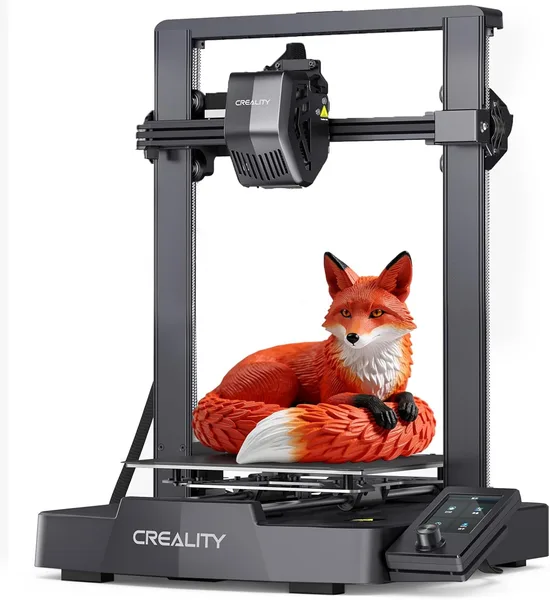
600mm/s is a marketing number, and let's be honest, you'll never see it on complex parts loaded with small features — acceleration simply can't ramp up in time. But on simple shapes — boxes, holders, frame parts — the printer really does fly, and the difference against something like an Ender 3 is visible, not just on a spec sheet. PLA at 300-400mm/s comes out clean, no ghosting, which is genuinely rare at this price point.
The enclosure isn't just for looks. It keeps chamber temperature stable, so ABS and even some PETG-CF print without the corner delamination that plagues open frames like the Ender 3 or Prusa Mini. My ABS part with sharp corners stayed put for the first time — on an open printer that would've cracked or lifted off the bed more often than not.
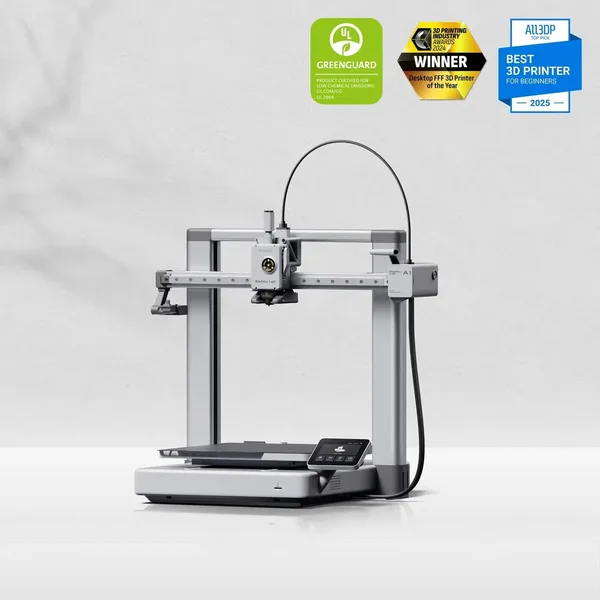
Now for the letdown. The screen is small, dim, and the touch sensor sometimes needs a second tap. There's a camera in the lid that streams to the Flashforge app (built on an Orca-style slicer, also their own fork), but image quality is average and timelapses come out choppy. Stack it against the Bambu Lab A1 and the gap is obvious — Bambu's software and ecosystem (AMS, a stable hub, mobile monitoring) are simply more mature. The AD5M loses this round outright, and that's not a small thing if you're used to Bambu.
On the other hand, the AD5M is cheaper, quieter (the enclosure muffles fan noise), and, oddly enough, easier to maintain — the nozzle swaps without tools, and the extruder comes apart in a minute. This is a printer for someone who wants to print, not fuss over the printer as a hobby in itself.
Who should buy it, who should skip it
Get it if: you're new to this and dread first-time calibration; you need an enclosure for ABS/ASA, not just PLA; you care about noise at home or in an office; your budget is tight and you still want CoreXY speed without the hassle.
Skip it if: multicolor printing out of the box is a dealbreaker — look at the AD5X or an AMS-based system instead; you're building a farm of multiple printers and want centralized monitoring — Flashforge's ecosystem lags Bambu's here; or the camera and screen matter to you at a flagship level, not as an afterthought.
Prices run around $218 right now, and honestly, it's hard to find another enclosed CoreXY printer with working auto-calibration at that price — that combination is rare. For the real number you'll actually pay, check the full landed cost — unit plus shipping plus import duty — for your country on dede.sh, since a boxed printer (not a spare part) almost always gets flagged for duties on the way in.
The core trade-off is simple: you're giving up some ecosystem polish — app, camera, cloud features — in exchange for price and reliable basic printing. For most people who just want to print parts, not treat the printer itself as the gadget, that's a fair deal.
FAQ
If the ecosystem matters to you — AMS, a polished app, mobile control — yes, Bambu is worth the premium. If you just want to print without any drama and save some money, the AD5M covers that need almost as well, and unlike the bare A1, it comes enclosed.
It works, and that's not an exaggeration. Three minutes on startup and the bed is leveled in software, Z-offset dialed in. I tested it across several restarts in a row and the result held steady. It's the main reason to pick this model.
The built-in enclosure and heated bed are enough for ABS with no extra box needed — the chamber holds heat on its own. For ASA or PC with higher melting points you might want extra insulation, but plain ABS is fine straight out of the box.
Technically the printer can move that fast, but on real parts with small details, acceleration doesn't have time to reach the max. On simple shapes the speed difference over ordinary printers is noticeable; on complex ones it's much more modest.